Operation via the ftSwarmControl OLED Display
With the ftSwarmControl, configuration can also be performed directly on the controller.
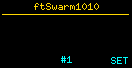
The configuration mode is started from the ftSwarmControl status screen using the SET button or S4.
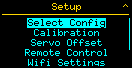
You can now use the ftSwarmControl controls to navigate the menus:
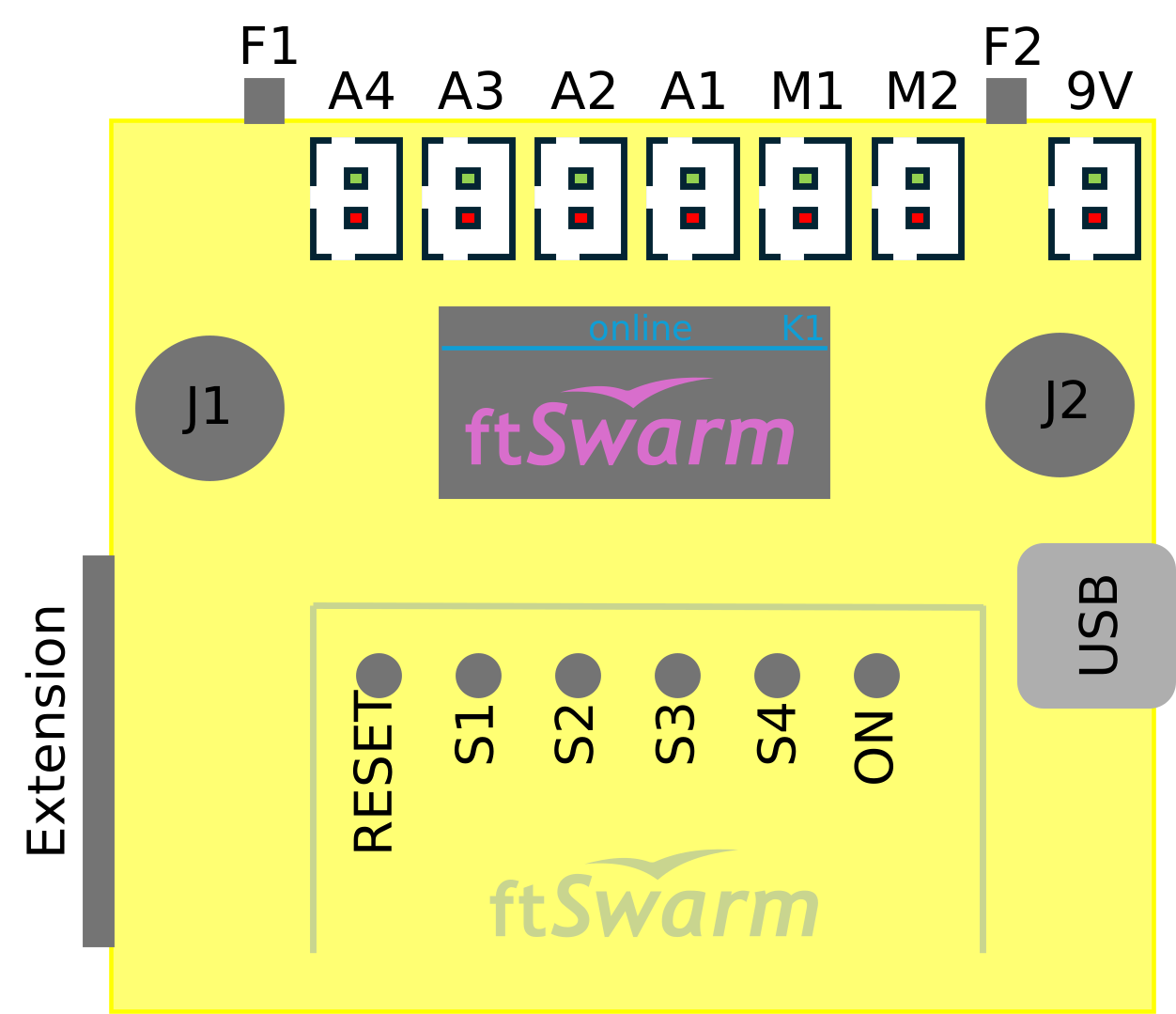
- Use the left joystick to navigate the screen.
- Press the joystick (Button J1) to select a highlighted option.
- The F2 button is the “Escape” key and exits the current menu. This function is indicated by the ^ symbol in the upper-right corner.
- When buttons S1 through S4 are used, their functions are displayed at the bottom of the screen.
As long as you are in the configuration menus, model control via joysticks and buttons is, of course, disabled.